
Your entire agency.
One calendar.
Sync task deadlines, project milestones, and team meetings to Google Calendar. See the whole agency's schedule in one view — no more missed deadlines.
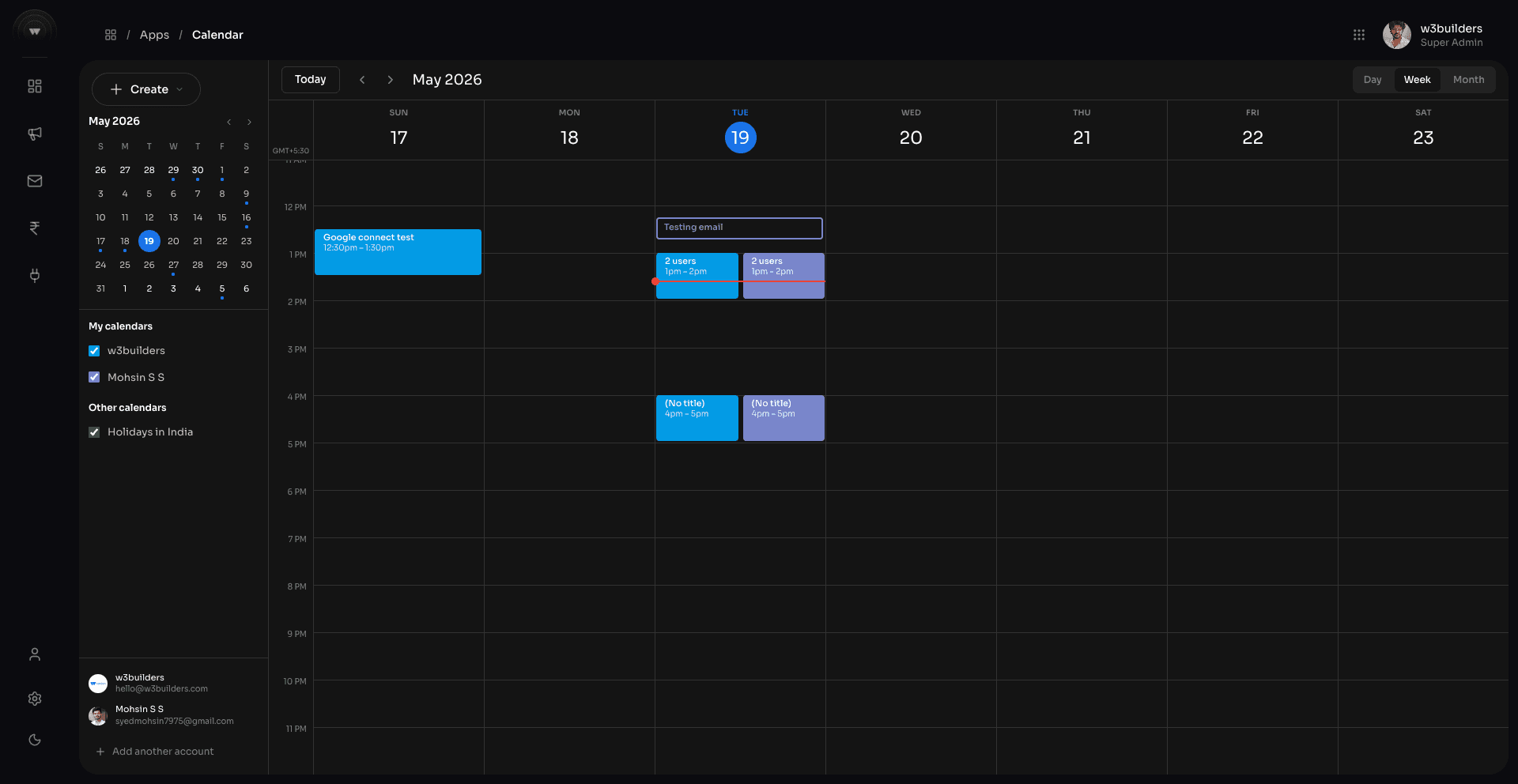
Project milestones appear automatically
Every time a milestone is created or updated in a project, it syncs to Google Calendar as an event — visible to the whole team, with the client name and project attached.
Task due dates on the calendar
Every task with a due date appears on the calendar. Filter by team member, project, or task type to see who has what coming up this week.
Everything included
Google Calendar Sync
Two-way sync with Google Calendar. Events created in AOP appear in Google, and vice versa.
Team Scheduling
View the full team's schedule in one calendar. Spot conflicts before they cause problems.
Milestone Events
Project milestones auto-create calendar events. Always know what's due and for which client.
Reminders
Automatic reminders before deadline events. Push notifications, email, or WhatsApp alert.
Holiday Calendar
Indian public holidays pre-loaded. Plan project timelines that account for non-working days.
Meeting Scheduling
Log client meetings and internal syncs. Attach to a project or client record for context.
Multi-calendar View
Overlay project milestones, task deadlines, and meetings in one colour-coded calendar view.
AI Employee Scheduling
AI employees can schedule follow-up calls and add them to the calendar without human input.
Ready to get started?
Start free — no credit card required. Upgrade as your agency grows.